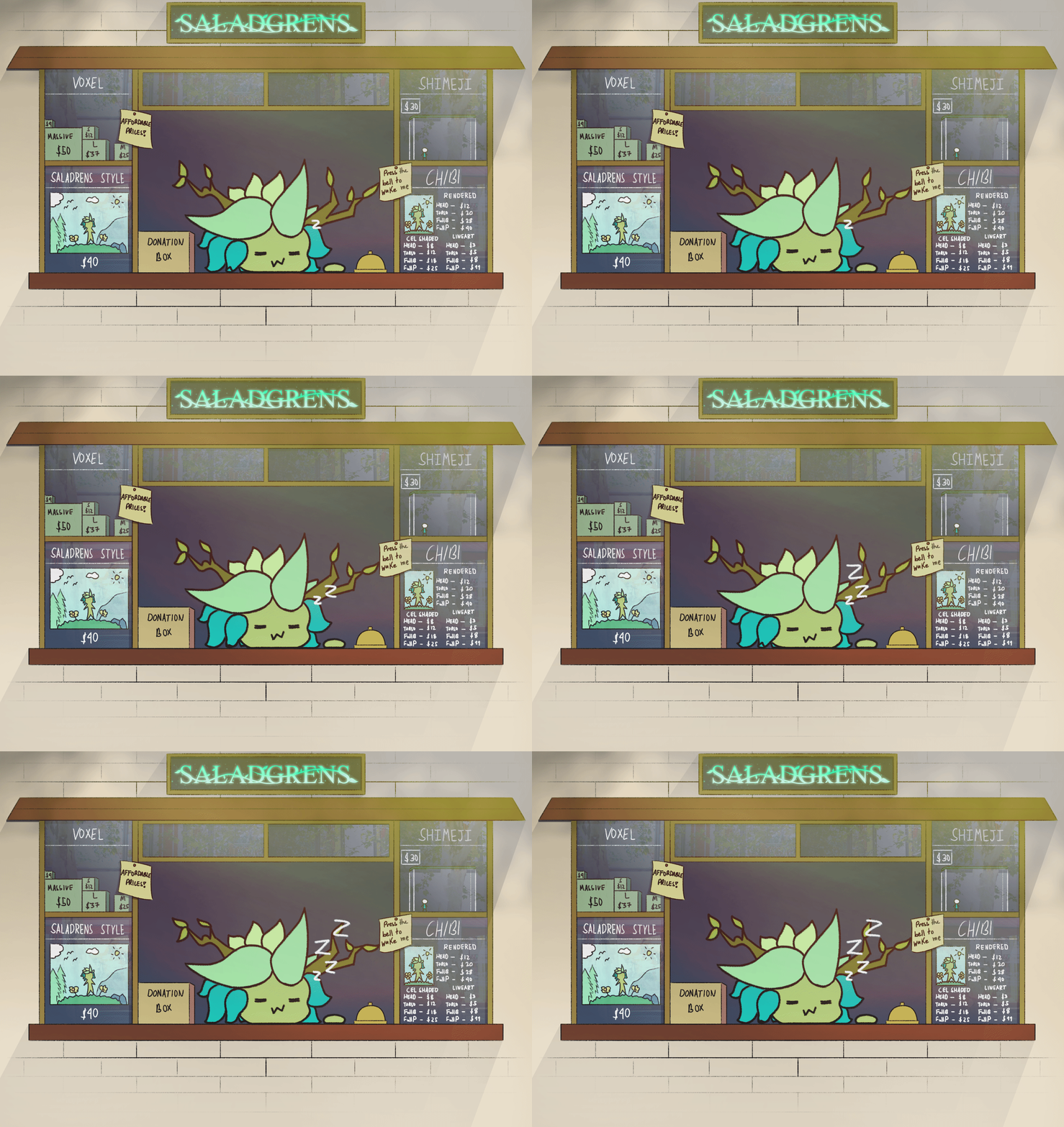
SaladGrens' shop resides in Ko-fi. We primarily sell Desktop Pets / Shimejis.
Package Shimejis
Individual Shimejis
Individual shimejis only contain the image files and not the program itself.
You may download a package or shimeji that contains the program itself and add the new shimejis.
HOW TO USE
With program:
Extract the file
Open 'Shimeji-ee.jar'
The creatures will fall down to your screen and an icon appears on your System Tray where you can configure some settings.
Without program:
Extract the file
Copy the shimeji folders to the 'img' folder inside your Shimeji-ee directory
Run 'Shimeji-ee.jar'
Right click your Shimeji-ee icon > Settings > Choose Shimeji